
Private leagues
Kalandra can price check items in a private league. The trade site shows private league listings only to an account that is signed in, so you sign in through Kalandra's built-in browser.
Set it up
Open Settings, Price check page. In the or Private League box, type the league's full name as the trade site shows it, for example
My League (PL12345). The name must end with the PL number in brackets. A name in any other form that the trade site does not list is replaced by a public league the next time Kalandra loads the league list.On the same page, check Enable builtin browser. A warning about POESESSID appears, which Price check explains.
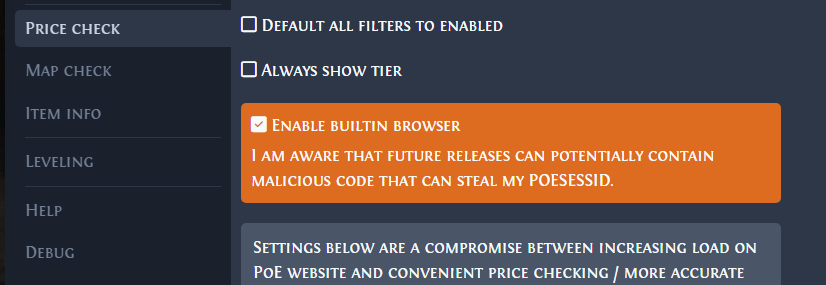
Click Save.
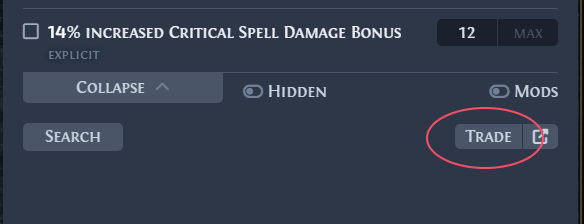
Price check any item and click Trade. The trade site opens in the built-in browser.
Sign in on the trade site in the built-in browser.
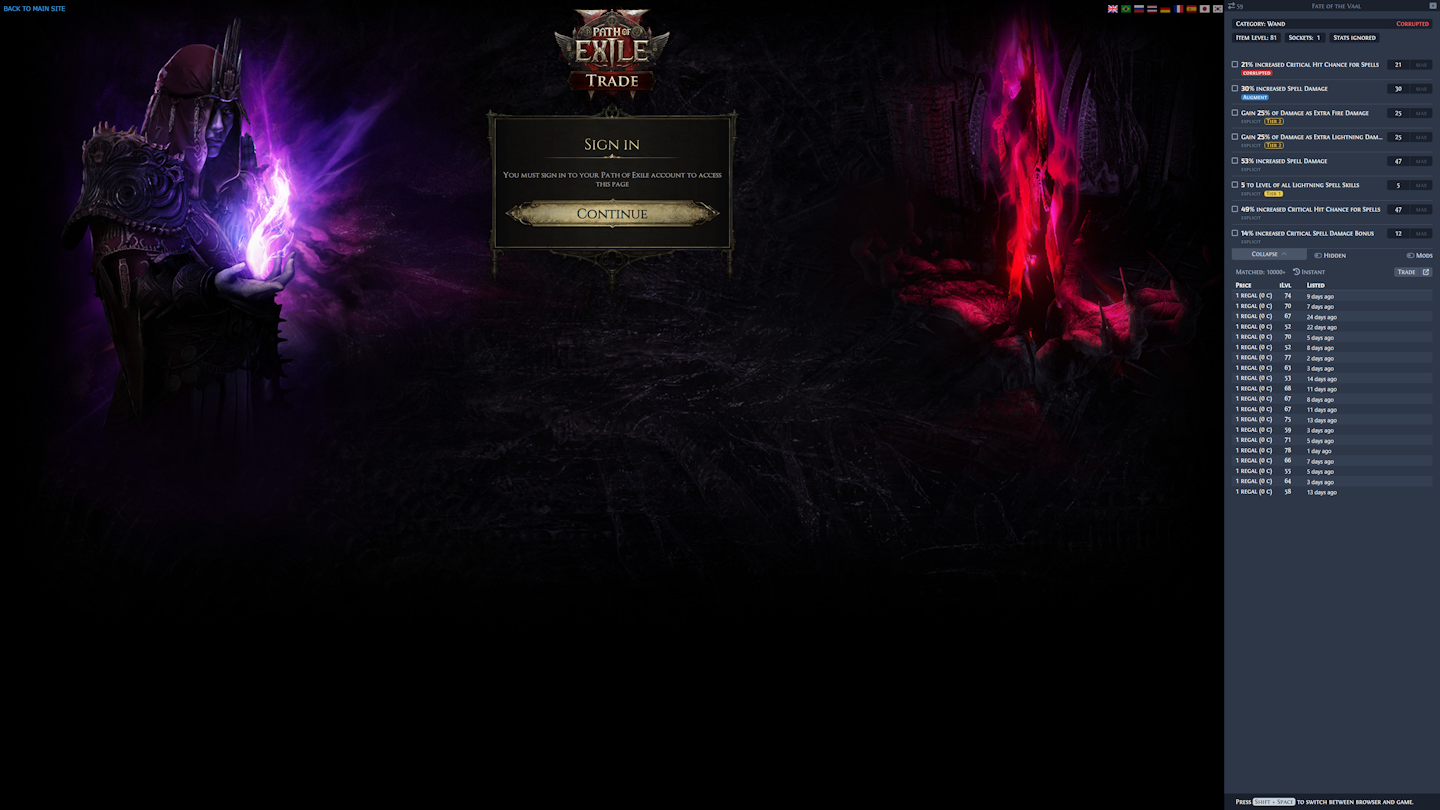
Press the overlay key (
Shift + Spaceby default) to switch between the built-in browser and the game.
Price checks now search the private league, and the requests Kalandra sends to the trade site use your sign-in.
What to expect
- The or Private League box shows only after the league list loads. If it fails to load, the page shows Failed to load leagues and a Retry button. See Failed to load leagues.
- A private league has no price estimate. Kalandra loads price files only for leagues that the trade site lists and that are not private. The trade results still show.
- The price check title bar shows the private league's name.
Price check describes every setting on the Price check page of the Settings window.